Business and carbonless form printing
Forms are unglamorous and completely unforgiving. An invoice book that smudges, a work order where the second copy is unreadable, or a numbering sequence that repeats will cost more in disputes than the printing ever saved.
We print single-part and multi-part business forms, carbonless sets, invoice and work order books, purchase orders and delivery notes, numbered and bound the way the job actually gets used.
How carbonless works
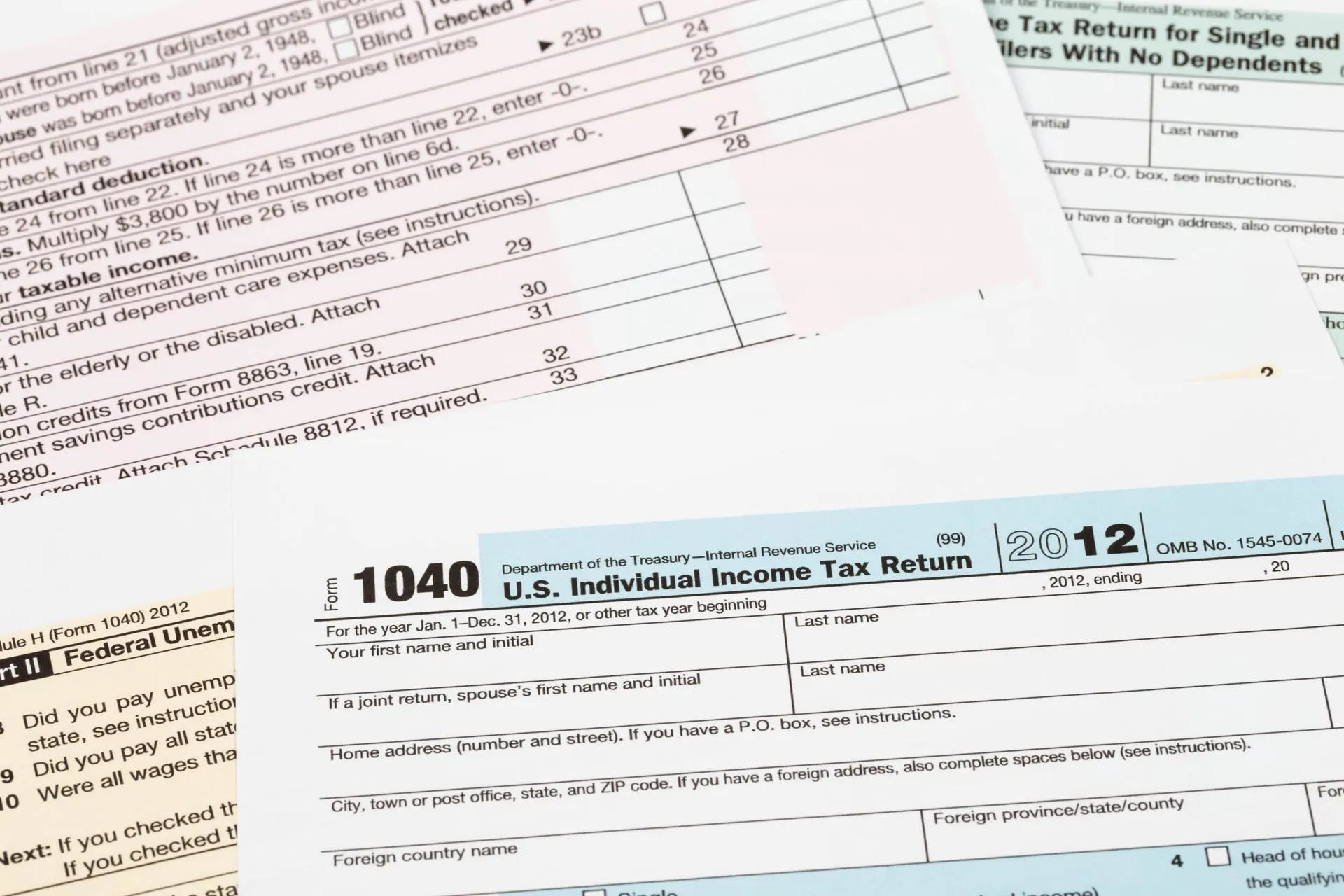
Carbonless paper, sometimes called NCR, has a coating on the back of one sheet and the front of the next. Pressure from a pen transfers the image without any carbon sheet in between, which is why the copy appears only where you write.
Sets run in standard sequences. A two-part set is white and canary; three-part adds pink; four-part adds gold. The colours are conventional so staff can tell at a glance which copy belongs to whom, and it is worth printing that on the form itself: customer copy, office copy, file copy.
Numbering and binding
Sequential numbering is standard on anything that has to be reconciled. Numbers are generated from a data file and printed in the same pass, and they can be positioned so they remain visible on every part of the set.
Sets are glued into books, padded, or supplied loose and shrink wrapped. Books can be wraparound so the back cover tucks under the set and stops the pen marking the next form down, which is a small detail that saves a lot of ruined pages.
Getting a form right
- Leave room to write. Handwriting takes more space than type, and a box sized to a font is a box nobody can fill in.
- Perforate where it tears. If a part gets handed over, it needs a perforation, not a pair of scissors.
- Print the copy label on each part, so it is obvious which sheet goes where.
- Keep critical fields away from the fold and the glue edge.
Perforating, padding and binding run through bindery and finishing, and sequential numbering through variable data printing.
Forms that reorder on the same specification all year can be printed in one run and held here, then released to each office as the boxes run down, through our document fulfillment service.
Tell us the quantity, size, stock and deadline and we will quote it. Request a quote, upload a file, or call (504) 524-8248.